Published on 22 May, 2020
Simple Auth Setup for Your React App
I recently got super excited about Deeplearning, and wanted to share my experience. So, I created Deeplearning Mantra. I needed to add login functionality to it, but existing solutions are not that simple and hard to manage.
This app is just a side project. I have limited time to spend on it.
Then I found Magic Link. It's simple and easy to use. Here's how it works:
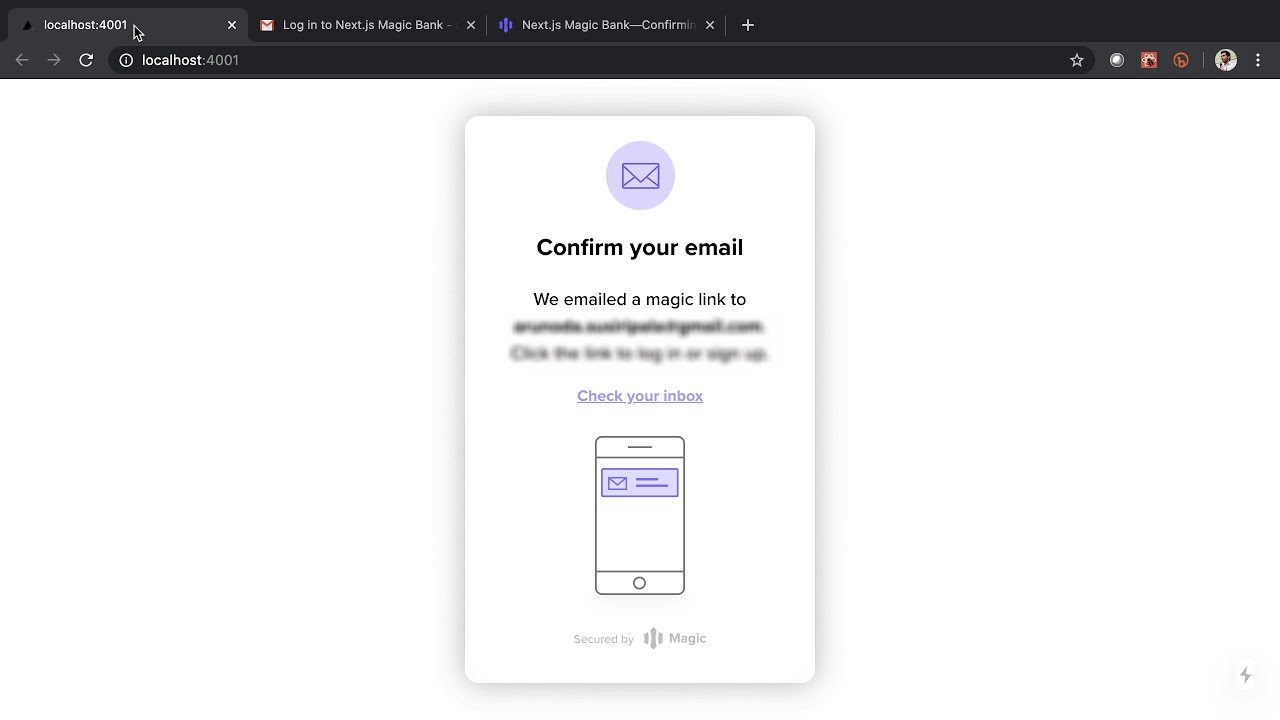
- User enter the email and waiting for the login to complete
- They receive an email with a link.
- User clicks on it
- Boom, user enter to the app
Try this example app:
Click this image to visit https://nextjs-magic-bank.now.sh
Like to watch instead of reading? Then, watch this:
Play Now
Integrating with Your React App
Magic Link API is simple to use. But, I made it super simple with this React Hook: use-magic-link. Here's how to use it:
Before we do that, create an account on Magic Link and get the "Publishable Key".
Let's say; you want login/logout functionality, here's how to do it:
It's that simple.
What about Data Fetching?
Having just the login-state in a client app is not enough. You may need to interact with a database, a CMS, or some APIs. With use-magic-link, that's pretty simple too.
Whenever you want to do an API call, use the fetch instance provides by the hook.
For example, here's how you can create a simple Bank statement that gets data from an API: (In this case, we use Next.js's built-in API routes)
You can put this "BankStatement" component anywhere in your app.
Inside the Next.js API route, we need to authenticate the request and here's how we are doing it:
You need to install the @magic-sdk/admin NPM module and get the "Secret Key" from the Magic Link dashboard.
Here's the final result:
With "use-magic-link" React hook, we can add a login system to your React app in a few minutes. It saves your time to do things that matter.